
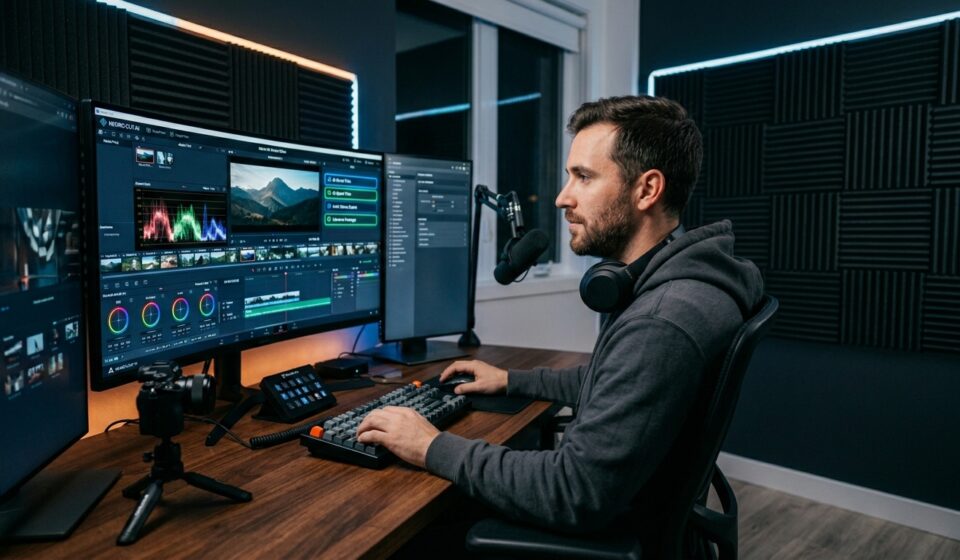

Video editing used to feel overwhelming.
You’d spend hours trimming clips, fixing audio, adding subtitles, and trying to make everything look professional. For beginners, it often felt like learning a completely new language.
That’s exactly why the rise of AI-powered editing tools has been such a game changer.
Today, even someone with zero editing experience can create polished videos for YouTube, TikTok, Instagram Reels, or online businesses in minutes instead of hours.
And the best part? Many of the best tools are completely free.
In this guide, we’ll break down the Top 5 AI Free video editing tools that creators are genuinely using right now. These aren’t random apps stuffed with flashy marketing claims. They’re practical tools that can actually save time, improve quality, and make editing less frustrating.
Whether you’re a beginner creator, small business owner, student, or casual social media user, there’s something here that can instantly improve your workflow.
Video editing used to feel overwhelming.
You’d spend hours trimming clips, fixing audio, adding subtitles, and trying to make everything look professional. For beginners, it often felt like learning a completely new language.
That’s exactly why the rise of AI-powered editing tools has been such a game changer.
Today, even someone with zero editing experience can create polished videos for YouTube, TikTok, Instagram Reels, or online businesses in minutes instead of hours.
And the best part? Many of the best tools are completely free.
In this guide, we’ll break down the Top 5 AI Free video editing tools that creators are genuinely using right now. These aren’t random apps stuffed with flashy marketing claims. They’re practical tools that can actually save time, improve quality, and make editing less frustrating.
Whether you’re a beginner creator, small business owner, student, or casual social media user, there’s something here that can instantly improve your workflow.
Why AI Video Editing Is Exploding Right Now
Short-form video content is everywhere.
TikTok, YouTube Shorts, Instagram Reels, Pinterest Idea Pins — attention spans are shrinking while content demand keeps growing.
Creators are expected to publish more videos faster than ever.
That’s where AI steps in.
Modern AI video editing tools can now:
- Automatically remove silence
- Generate subtitles
- Suggest cuts
- Improve audio quality
- Add transitions
- Resize videos for social media
- Generate captions automatically
Tasks that once took hours can now happen with a single click.
And honestly? That changes everything for creators trying to stay consistent.
What Makes a Great AI Video Editor?
Not all AI tools are actually helpful.
Some look impressive until you try exporting your project and suddenly hit watermarks, lag, or locked premium features.
Here’s what truly matters.
Speed and Automation
The best tools remove repetitive tasks.
Things like:
- Auto captions
- Background noise cleanup
- Smart cuts
- AI templates
These features save creators serious time.
Beginner-Friendly Interface
If a tool feels confusing after five minutes, most people quit.
The best AI editors feel intuitive. You can drag, drop, click, and create without watching a two-hour tutorial first.
Export Quality and Features
Good editing software should still produce professional-looking videos even on the free plan.
That includes:
- HD exports
- Social media formats
- Smooth transitions
Quality audio support
Top 5 AI Free Video Editing Tools
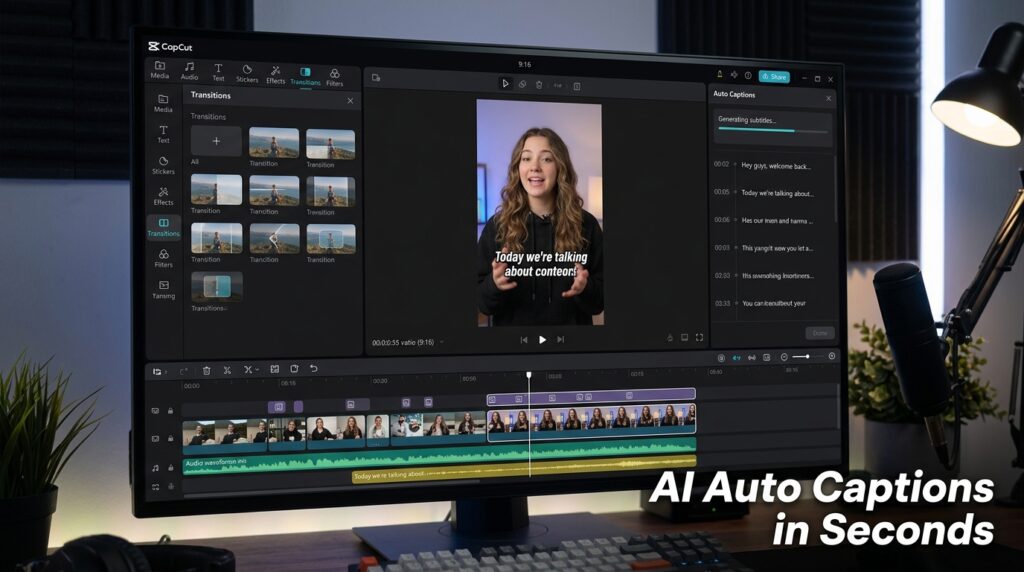
1. CapCut
If you spend time on TikTok, you’ve already seen videos edited with CapCut.
And there’s a reason it exploded in popularity.
CapCut combines simplicity with surprisingly powerful AI features.
Best Features
- AI auto captions
- Background removal
- Text-to-speech
- Trending templates
- Auto beat sync
CapCut feels built for modern creators who need speed.
Beginners can learn it quickly, while experienced editors still get enough flexibility for advanced edits.
Best For
- TikTok creators
- Instagram Reels
- YouTube Shorts
- Beginners
Biggest Advantage
The mobile app is incredibly polished and fast.
2. Canva Video Editor
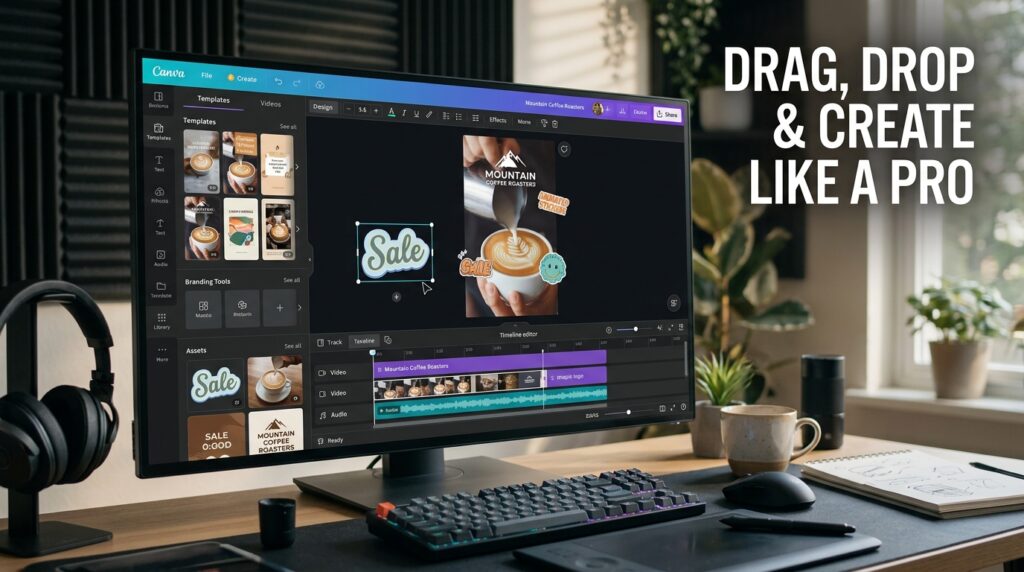
Most people know Canva for graphics.
But its AI video editing features have quietly become incredibly useful.
You can create videos, add animations, generate AI visuals, and even use Magic Design tools without touching complicated timelines.
Best Features
- Drag-and-drop editing
- AI design suggestions
- Huge template library
- Easy branding tools
- Team collaboration
Canva is especially useful for businesses and content creators who care about visual consistency.
Best For
- Social media marketers
- Small businesses
- Pinterest creators
- Beginners
Biggest Advantage
It combines graphic design and video editing in one place.
3. Adobe Express
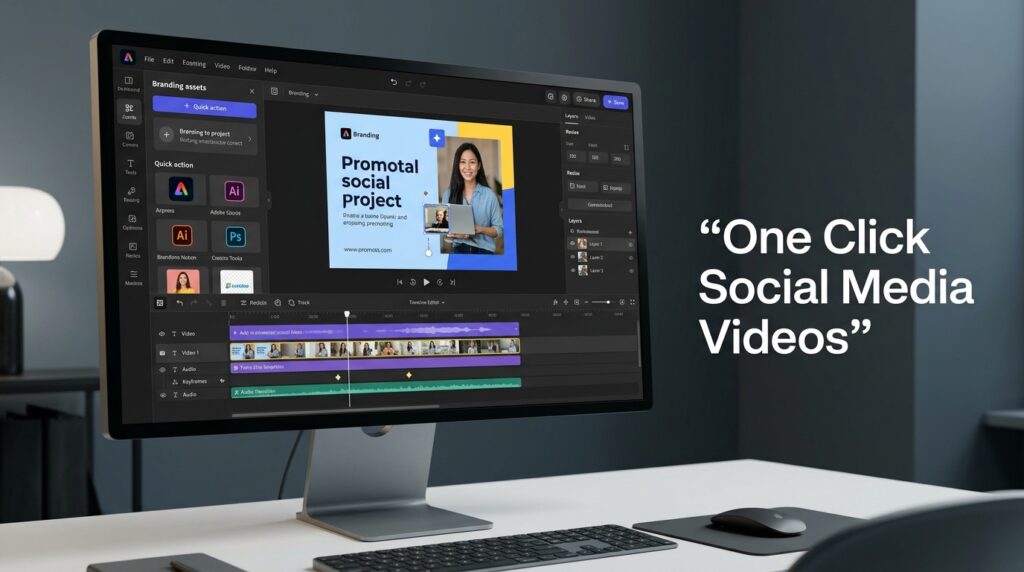
Adobe Express feels like Adobe finally decided to make editing less intimidating.
Instead of overwhelming users with complex professional tools, Express focuses on speed and accessibility.
Best Features
- AI text effects
- Auto resize
- Quick social templates
- AI background removal
- Easy brand kits
For creators who already use Adobe products, this integrates nicely into existing workflows.
Best For
- Social media creators
- Brand marketing
- Quick promotional videos
Biggest Advantage
Professional branding tools without the steep learning curve.
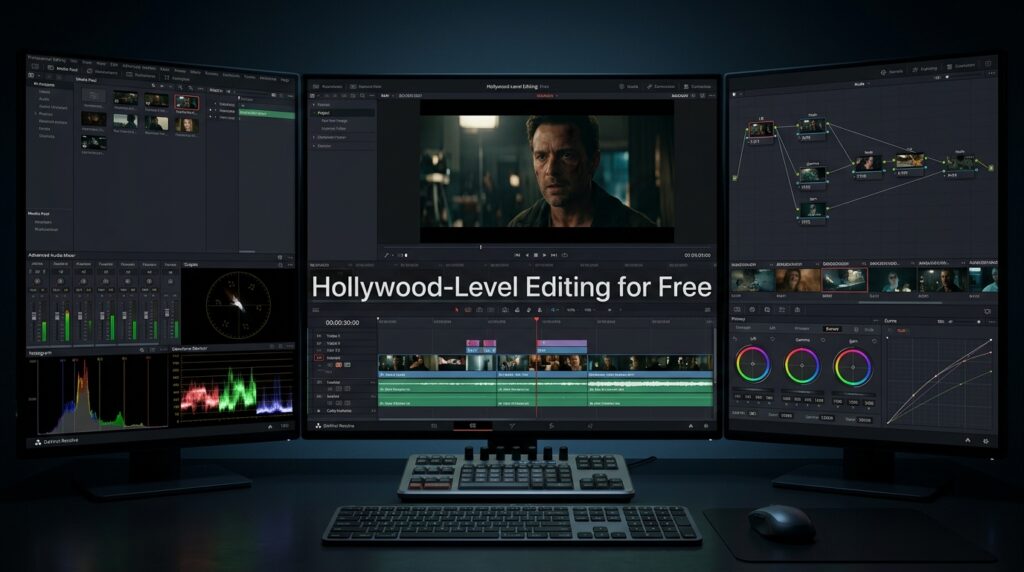
4. DaVinci Resolve
This one is different.
DaVinci Resolve is far more advanced than the others on this list. But surprisingly, its free version is insanely powerful.
Hollywood editors actually use it.
The AI tools here are more professional-grade:
- Smart color correction
- AI object selection
- Voice isolation
- Facial recognition tools
The learning curve is steeper, but the results can look cinematic.
Best For
- YouTubers
- Filmmakers
- Advanced creators
Biggest Advantage
Professional-level editing completely free.
DaVinci Resolve | Blackmagic Design
5. VEED.IO
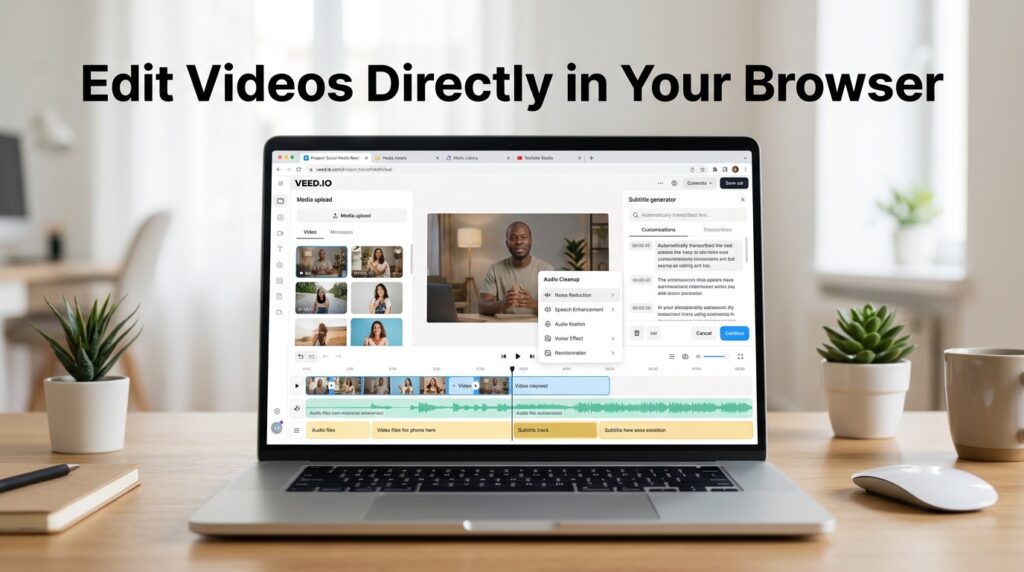
VEED.IO focuses heavily on online editing.
No complicated downloads. No heavy software requirements.
It’s designed for creators who want speed and convenience.
Best Features
- Browser-based editing
- AI subtitle generation
- Audio cleanup
- One-click translations
- Social media optimization
This tool is especially useful for podcast clips and talking-head content.
Best For
- Online creators
- Coaches
- Podcasters
- Remote teams
Biggest Advantage
Extremely fast workflow for social media content.
VEED – AI Video Creation Platform | Idea to Video Workflow
Comparison Table of the Best Free AI Video Editors
| Tool | Best For | AI Features | Difficulty |
| CapCut | Short videos | Auto captions | Easy |
| Canva | Social media | AI templates | Easy |
| Adobe Express | Branding | AI resizing | Easy |
| DaVinci Resolve | Professional editing | AI color tools | Medium |
| VEED.IO | Browser editing | AI subtitles | Easy |
Mistakes Beginners Make When Editing Videos
A lot of creators over-edit.
Ironically, trying too hard often makes videos feel less engaging.
Here are common mistakes:
- Too many transitions
- Loud background music
- Overused effects
- Tiny subtitles
- Slow pacing
Simple usually performs better.
Especially on social media.
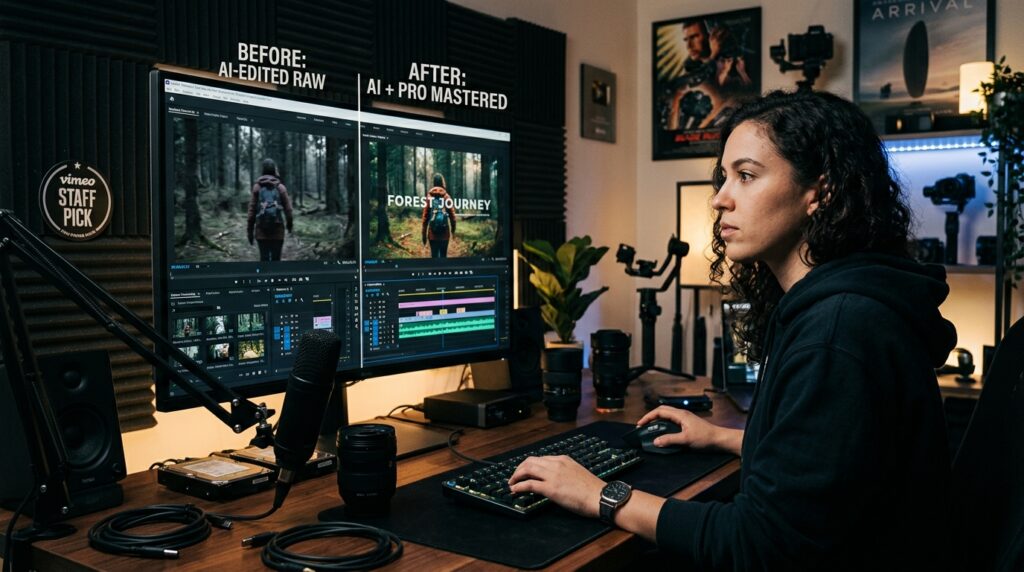
Pro Tips to Edit Faster With AI
Here’s something experienced creators know:
The goal isn’t perfect editing.
The goal is consistent publishing.
A few practical tips:
- Use templates whenever possible
- Batch edit multiple videos
- Auto-generate subtitles
- Save reusable intros
- Focus on storytelling over flashy effects
Viewers care more about value than cinematic perfection.
That realization alone can save creators countless hours.
Which AI Video Editing Tool Is Best for You?
Here’s the simple breakdown:
- Choose CapCut for fast social media edits
- Choose Canva for branded content
- Choose Adobe Express for marketing videos
- Choose DaVinci Resolve for professional production
- Choose VEED.IO for browser-based speed
There’s no single “perfect” tool.
The best editor is the one that helps you publish consistently.
FAQ
What is the best free AI video editing tool?
CapCut is one of the best free AI video editing tools for beginners because it combines powerful AI features with a very simple interface.
Are AI video editors good for beginners?
Yes. Most AI video editors are designed to simplify editing through automation like auto captions, smart cuts, and templates.
Can I edit YouTube videos using free AI tools?
Absolutely. Tools like DaVinci Resolve and CapCut are commonly used for YouTube content creation.
Do free AI video editors include watermarks?
Some do, but many tools offer watermark-free exports under their free plans.
Which AI video editor is best for TikTok?
CapCut is widely considered one of the best options for TikTok creators because of its mobile-first workflow.
Is Canva good for video editing?
Yes. Canva is excellent for beginners and social media marketers who want fast and visually polished videos.
CONCLUSION
Creating videos no longer requires expensive software or years of editing experience.
That’s the real beauty of modern AI tools.
The Top 5 AI Free video editing tools we covered today can dramatically reduce editing time while helping creators produce cleaner, more engaging content.
And honestly, that matters more than ever.
Because consistency beats perfection online.
Start simple. Experiment. Publish more often. Learn as you go.
One great video can completely change the trajectory of a creator’s journey.
So pick a tool from this list and start creating.
Your future audience is already scrolling.



[…] Top 5 AI Free Video Editing Tools That Make Editing Easier […]
[…] Top 5 AI Free Video Editing Tools That Make Editing Easier […]