
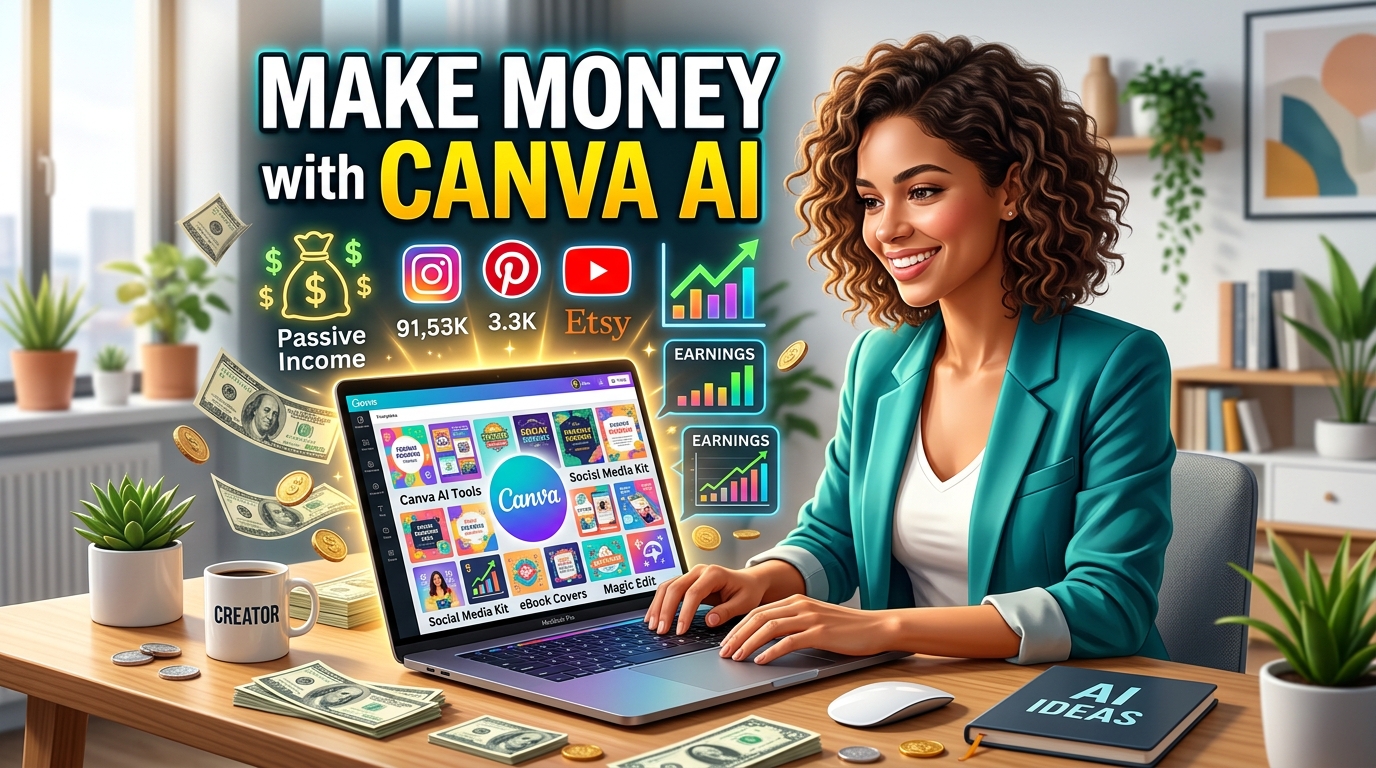

Make Money with Canva AI is one of the fastest growing online income opportunities in 2026. With AI-powered design tools, beginners can now create professional graphics, digital products, social media content, and freelance services without advanced design skills.
The digital economy is growing rapidly, and artificial intelligence tools are making it easier than ever to build an online income. One of the most beginner-friendly platforms today is Canva AI. Whether you are a student, freelancer, content creator, or small business owner, Canva AI can help you create professional designs, social media graphics, videos, presentations, and digital products within minutes.
The best part is that you can use these skills to earn in dollars from clients and customers around the world.
In this guide, you will learn step-by-step methods to make money using Canva AI, the best platforms to find clients, passive income strategies, and practical tips to scale your online business.
Why Canva AI Is Perfect for Beginners
Canva AI combines design tools with artificial intelligence to simplify content creation. Even if you have zero graphic design experience, you can create high-quality visuals quickly.
Main Features of Canva AI
- AI image generation
- Magic Write for content writing
- AI presentation builder
- AI video editing
- Social media templates
- Background remover
- Brand kit creation
- AI-generated design suggestions
- Resume and portfolio builder
These tools allow beginners to start freelancing or selling digital products without investing heavily in software or technical skills.

Step-by-Step Guide to Earn in Dollars Using Canva AI Tool
1. Start Freelancing with Canva AI
Freelancing is one of the fastest ways to make money online with Canva AI. Businesses worldwide need social media posts, presentations, banners, YouTube thumbnails, logos, and marketing materials.
Services You Can Offer
- Instagram post design
- Facebook ads design
- Pinterest pin creation
- YouTube thumbnails
- Business presentations
- Ebook covers
- Resume design
- Infographics
- Product mockups
- AI-generated marketing creatives
Platforms to Find Clients
- Fiverr
- Upwork
- Freelancer
- PeoplePerHour
Pro Tip
Create 5–10 sample designs before applying for gigs. Clients prefer portfolios with real examples.
2. Sell Digital Products Online
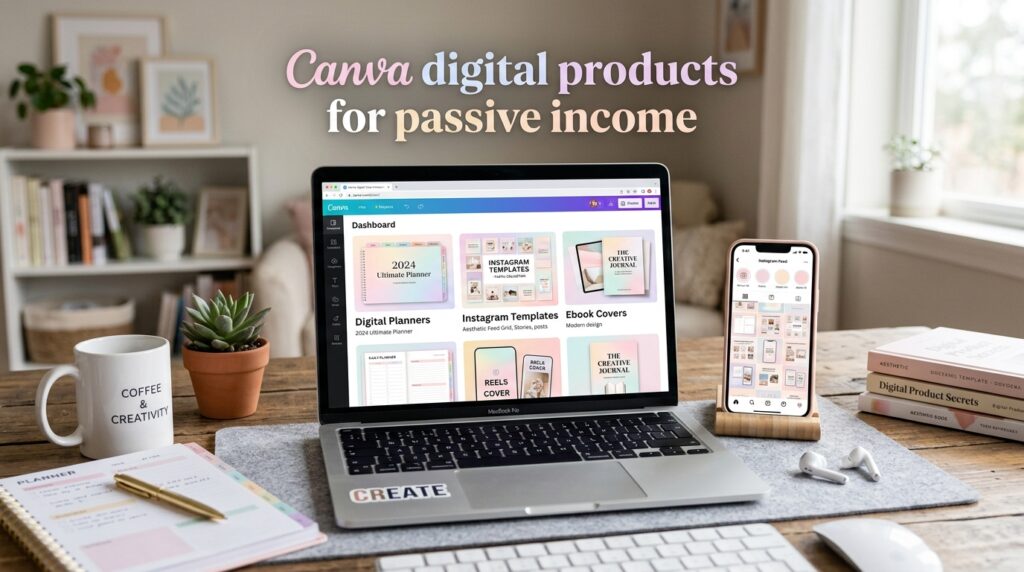
Digital products are one of the best passive income methods because you create them once and sell repeatedly.
Popular Canva Digital Products
- Instagram templates
- Pinterest templates
- Resume templates
- Business planners
- Printable journals
- Wedding invitations
- Social media kits
- Media kits
- Presentation templates
- Ebook templates
Best Platforms to Sell Digital Products
- Etsy
- Gumroad
- Creative Market
- Payhip
- Shopify
You can earn dollars globally because these platforms accept international buyers.
3. Create Pinterest Pins for Bloggers
Bloggers need high-quality Pinterest pins to drive traffic. Canva AI makes it extremely easy to design eye-catching pins.
Why Pinterest Pin Design Is Profitable
- High demand from bloggers
- Easy to learn
- Repeat clients
- Quick design turnaround
- Great for beginners
Pricing Strategy
- 10 Pinterest Pins: $20–$50
- Monthly package: $100–$300
You can increase pricing as your portfolio grows.
4. Start a YouTube Thumbnail Design Service
YouTube creators constantly need attractive thumbnails to improve click-through rates.
Canva AI provides ready-made thumbnail templates and AI tools that reduce design time significantly.
Tips for Better Thumbnails
- Use bold text
- Add emotional expressions
- Use high contrast colors
- Highlight key elements
- Keep layout clean and readable
Income Potential
Many creators pay $5–$25 per thumbnail depending on quality and niche.
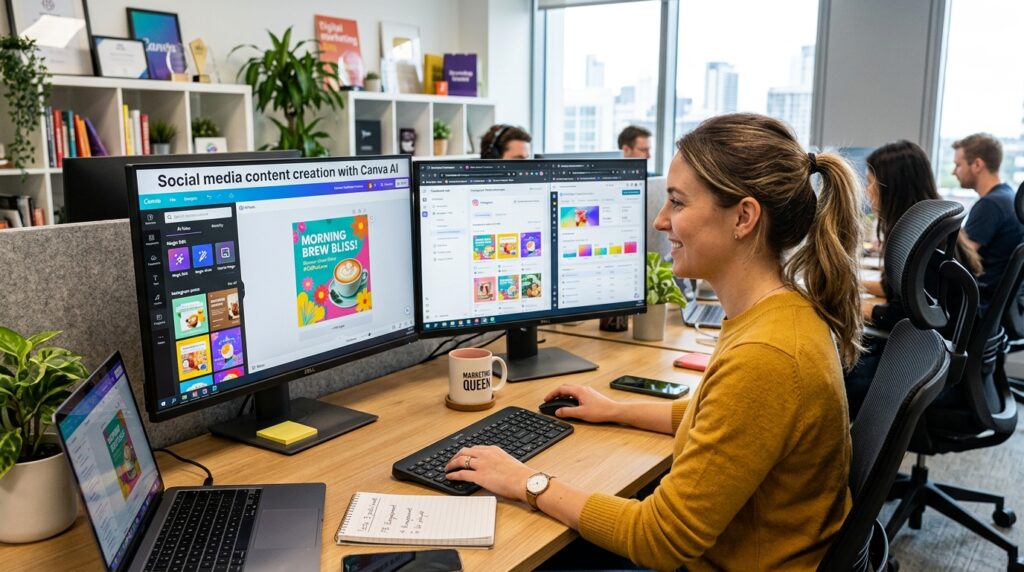
5. Use Canva AI for Social Media Management
Businesses need daily social media content but often lack design skills.
You can use Canva AI to create:
- Instagram carousels
- Facebook posts
- LinkedIn graphics
- Story templates
- Promotional banners
- Short videos
Monthly Client Packages
Offer packages like:
- 15 posts per month
- 30 posts per month
- Reel covers and stories
- Branding kit
Monthly retainers can generate stable income in dollars.
6. Create and Sell Canva Courses
Once you gain experience, you can teach others how to use Canva AI.
Course Topics
- Canva AI for beginners
- Social media design masterclass
- Pinterest marketing using Canva
- Thumbnail design course
- Digital product creation
Platforms to Sell Courses
- Udemy
- Skillshare
- Teachable
- Gumroad
This creates another passive income stream.
7. Offer AI Presentation Design Services
Corporate professionals, startups, and educators need attractive presentations.
Canva AI presentation tools can help you create:
- Investor pitch decks
- Business reports
- Webinar slides
- Educational presentations
- Startup presentations
Income Potential
Professional presentation designers can charge between $50 and $500 per project.
8. Build a Print-on-Demand Business
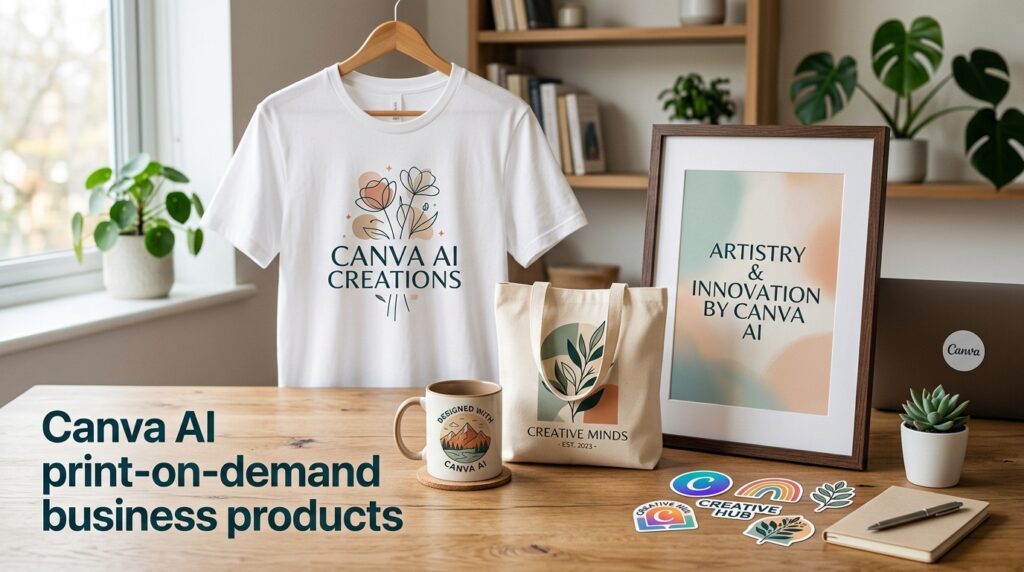
Canva AI can help you create graphics for print-on-demand products.
Products You Can Design
- T-shirts
- Mugs
- Phone covers
- Tote bags
- Posters
- Stickers
Print-on-Demand Platforms
- Redbubble
- Printify
- Teespring
- Merch by Amazon
This model works well for passive income because printing and shipping are handled automatically.
Best Canva AI Features for Making Money
Magic Write
Helps generate captions, blog ideas, ad copy, and product descriptions.
Text-to-Image AI
Creates custom visuals quickly for social media and digital products.
Background Remover
Useful for ecommerce and professional branding.
AI Video Editor
Helps create short-form videos for Instagram Reels, TikTok, and YouTube Shorts.
Brand Kit
Makes branding projects easier and faster for clients.
How Much Can You Earn with Canva AI?
Your earnings depend on consistency, niche selection, and skill level.
Beginner Earnings
- $100–$500 per month
Intermediate Earnings
- $500–$2,000 per month
Advanced Earnings
- $5,000+ per month through agencies, passive income, and digital products
Many freelancers combine multiple income streams for better results.
Tips to Succeed Faster with Canva AI
Build a Strong Portfolio
Create sample designs in different niches such as fashion, business, fitness, travel, and technology.
Learn Basic Marketing
Understanding branding and social media marketing helps attract more clients.
Focus on One Niche Initially
Examples:
- Real estate
- Fitness
- Coaches
- Ecommerce
- Bloggers
- Restaurants
Specialization increases credibility.
Post Daily on Social Media
Share your designs regularly on:
- Behance
This helps attract clients organically.
Use SEO for Your Portfolio
Optimize Fiverr gigs, Etsy listings, and portfolio websites using relevant keywords.
Common Mistakes to Avoid
- Using too many fonts
- Overcrowding designs
- Ignoring branding consistency
- Copying copyrighted templates
- Not building a portfolio
- Underpricing your services
- Ignoring client communication
Avoiding these mistakes will help you grow professionally.
Conclusion
Canva AI is one of the best tools for beginners who want to earn in dollars online. From freelancing and social media management to selling digital products and creating online courses, the opportunities are endless.
The key to success is consistency, creativity, and continuous learning. Start with one income stream, build your portfolio, improve your skills, and gradually scale your online business.
With the growing demand for digital content worldwide, Canva AI can become a powerful tool to build a profitable online career in 2026 and beyond.
Frequently Asked Questions (FAQ)
Can beginners earn money using Canva AI?
Yes, beginners can start earning by offering simple design services such as social media posts, Pinterest pins, and YouTube thumbnails.
Is Canva AI free to use?
Canva offers both free and paid plans. The free plan is enough to start learning and earning.
Which platform is best for Canva freelancers?
Fiverr and Upwork are excellent platforms for beginners to find international clients.
Can I sell Canva templates legally?
Yes, you can sell original templates created by you while following Canva’s licensing policies.
How long does it take to start earning?
Many beginners start earning within a few weeks after building a portfolio and consistently applying for gigs.
Canva Link : Home – Canva



[…] Make Money with Canva AI: 15 Proven Ways to Earn Dollars Online in 2026 […]